Drone Battery Charging Station: 7 Setup Rules for Spray Fleets


The tank is full. The next route is ready. Then someone asks, “Which battery can we use?” That pause can turn into a long afternoon.
A drone battery charging station needs enough continuous power, effective cooling, and a battery rotation that keeps pace with your spray fleet. Build it around the actual batteries and chargers you use, then test the complete setup under field conditions.
I would sort out the charging workflow before adding another aircraft. These seven setup rules give you a practical starting point.
What Is a Drone Battery Charging Station?
For spray operations, the station is the whole battery service area. It includes the approved charger, power supply, cooling equipment, and space for inspecting and rotating packs. A multi-port charger is one component. The crew and layout determine whether charged batteries reach the aircraft on time.
How to Set Up a Drone Battery Charging Station
1. Separate Charging from Mixing and Landing
Choose a stable, dry area with clear access. Keep charging away from chemical mixing, rinse water, fuel storage, and the aircraft landing path. A charging connector should not sit where a refill hose can splash it or a trailer tire can crush it.
Use a suitable noncombustible surface and the clearances specified for your equipment. Shade can help, but leave cooling vents open. Protect against rain without wrapping chargers in plastic or trapping heat. Stop work if you cannot keep the equipment within its environmental limits.
2. Match Batteries, Chargers, and Accessories
Check the exact battery model and its approved charger. Confirm charging leads, cooling cradles, and firmware compatibility. A connector that fits does not establish electrical compatibility. Keep the approved equipment list with the station so a replacement part does not become a guess.
For example, the EAVISION J150 product specifications list approximately nine minutes from 30% to 95% charge. That is a stated charge window, not a promise of a full recharge under every condition. Confirm the local package, supply requirements, and cooling arrangement before planning around that number.
3. Size the Power Supply for Concurrent Loads
Start with each charger's AC input requirement at the charging mode you intend to use. Battery-side output power is not the same as source-side demand. Add every load that may run together, including cooling equipment and transfer pumps sharing the supply.
Here is a hypothetical load worksheet. These figures are examples, not specifications for an EAVISION charger.
|
Equipment |
Example input per unit |
Concurrent input |
|
Two chargers |
6 kW |
12 kW |
|
Other connected equipment |
1 kW combined |
1 kW |
|
Total running load |
Not a generator size recommendation |
13 kW |
Have a qualified electrician or supplier verify voltage, phase, current, connectors, protection, and any starting loads. Generator peak wattage is not its continuous rating. Allow the reserve recommended for the actual equipment and conditions; a universal margin can be misleading.
OSHA's portable-generator guidance explains why grounding depends on the installation. Use correctly rated cords and the required GFCI or RCD protection. Do not improvise adapters, bypass protection, or backfeed a building. Keep connections dry and protect cables from traffic.
4. Keep Cooling Airflow Clear
Fast charging creates heat. Give the charger and battery cooling system the space their instructions require. Check fans and intake screens for dust. A shaded station can still overheat when packed tightly into a trailer or surrounded by cases.
Use battery temperature readings and charger status rather than touch alone. Some systems provide cooling during charging; others pause until the battery is ready. Follow the approved process and never defeat a temperature lockout. Do not dunk a hot battery or spray it with a hose to speed up cooling.
Test several consecutive cycles on a representative warm day. Record any charging delay or reduced output. A good first cycle tells you little about the heat that builds up later.
5. Balance Charging Throughput and Battery Rotation
Label each pack and give it a clear status: awaiting inspection, cooling, charging, ready, or out of service. Separate those positions physically. Assign ready packs to the right aircraft so a crew member can pick one without interrupting the pilot.
Compare recharge throughput with fleet demand. Suppose two drones each need a replacement every 12 minutes. Together, they need ten ready packs per hour. A station returning one pack every 15 minutes supplies only four. More spare batteries delay the shortage; they do not remove it.
Check whether multiple ports charge simultaneously and how power is shared. Add charging capacity only after confirming the supply can support it.
Measure the time from landing until that same pack is ready for another mission. Include inspection, handling, cooling, and charging. Keep aircraft turnaround separate from charger time because some tasks overlap. Use the slowest repeatable cycle, rather than the fastest demonstration, when planning your working battery inventory.
6. Inspect Packs and Plan for Abnormal Conditions
Inspect cases, latches, cables, and terminals before use. Follow the approved cleaning procedure and check fault codes. OSHA's lithium battery bulletin identifies damage, swelling, leaks, and unusual heat as warning signs. Remove suspect packs from service and seek authorized advice.
Agree on an incident response before charging starts. OSHA's lithium-ion safety guidance calls for emergency planning and training. If a pack smokes, hisses, or heats rapidly, move people away and call emergency services. Do not carry it through the crew area. Let the manufacturer and local fire professionals define the response equipment and procedures.
7. Assign an Operator and Test the Whole Shift
Make one trained crew member responsible for charging status and handovers. Keep active charging attended. Position any combustion generator outdoors, away from people and openings. The CPSC generator safety alert warns against enclosed operation and says to shut down and cool the engine before refueling.
Run the planned fleet through repeated cycles. Log recharge time, cooling delays, faults, and battery-related waiting. Include generator refueling and moving between fields. Review pack history and follow the manufacturer's storage procedure after work.
Set a clear test target: each scheduled relaunch has an inspected pack ready, and the charging queue does not keep growing. Repeat with the normal crew and all intended concurrent loads. Check that another trained person can follow the handover process without guessing which pack is ready.
Set Up Your Charging Station the Right Way
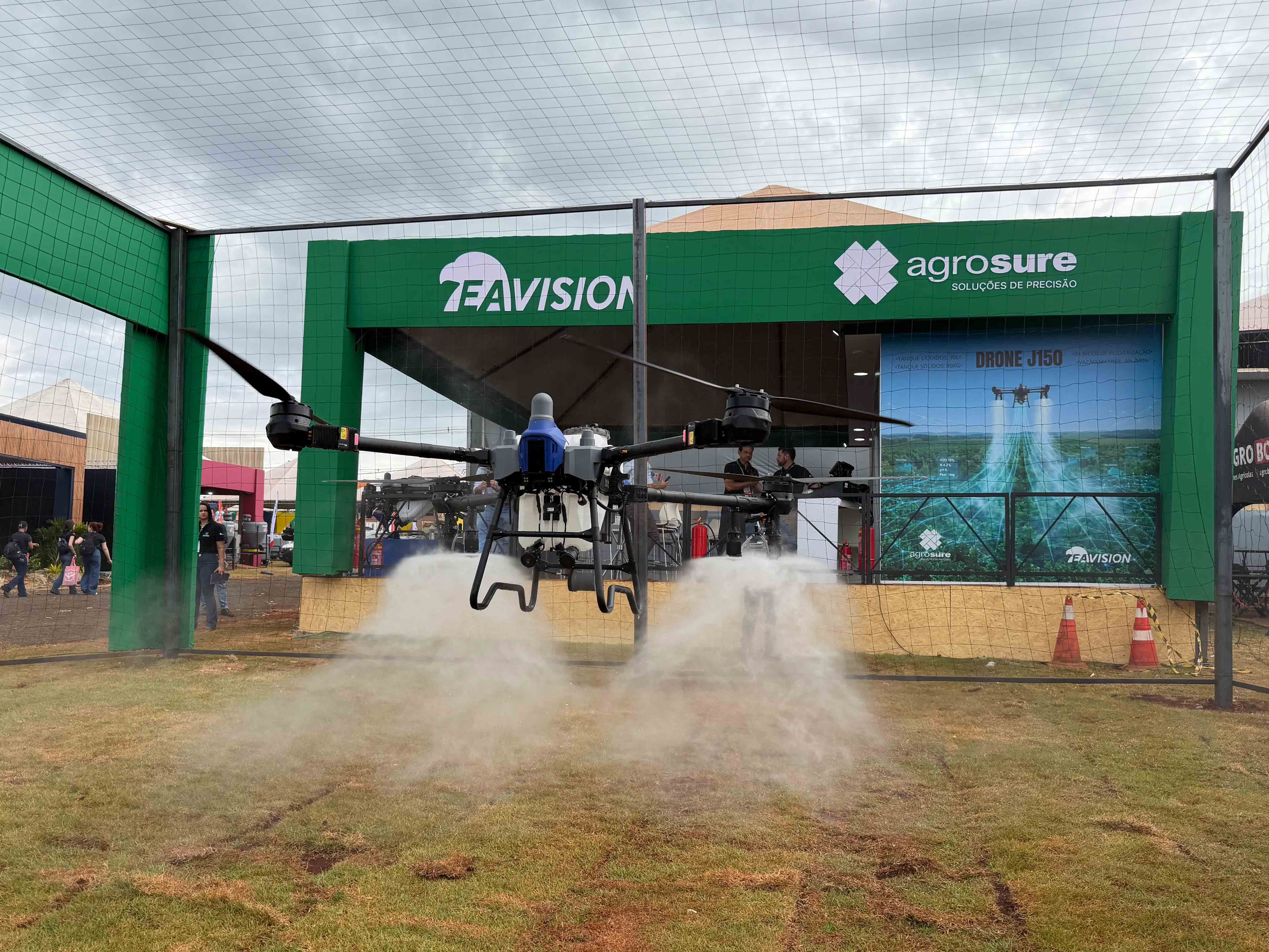
Your charging station only needs to do one thing. Keep a ready battery in front of every aircraft on your busiest day. If you want help designing a setup that keeps up, contact us. We can walk you through the fast-charge battery workflow on the EAVISION agricultural drones and help you plan a repeated-cycle test before you commit.
If you are building local fleet support, explore the EAVISION dealer application. Confirm training, approved replacement equipment, and service access before the busy season.
FAQ
Can an ordinary outlet power my charger?
Only if its circuit, voltage, and current rating meet the charger requirements. A charger may work at reduced output on a limited supply, so verify the available mode and measured recharge time.
How many batteries does each drone need?
Use measured flight, turnaround, cooling, and charging times to build the rotation. Extra batteries provide a buffer, but they cannot fix a station that consistently charges slower than the fleet consumes packs.
Can hot drone batteries charge immediately?
Some approved systems cool the battery during charging, while others delay charging until conditions are suitable. Follow the battery and charger instructions, and never override a temperature warning.
Do two ports mean simultaneous fast charging?
Not necessarily; ports may share power or follow a charging sequence. Ask the supplier to demonstrate both ports with your batteries and actual input supply.
Can batteries charge inside an enclosed trailer?
Only in an installation that meets the equipment instructions and applicable electrical and fire requirements. Never operate a combustion generator inside the trailer, even with its doors open.